

Key Takeaways: Automate Patient Messaging in Healthcare
-
1Manual patient communication is no longer sustainable:
With hundreds of patients to manage, front desk teams can’t keep up with reminders, follow-ups, and inquiries manually. Automation is the only scalable solution for modern healthcare practices. -
2Automated reminders cut no-shows by 30–50%:
No-shows cost the healthcare industry billions annually. A simple automated SMS or email reminder 24–48 hours before an appointment is the single highest-ROI communication you can send. -
3Automation must be HIPAA-compliant by design:
Not all messaging platforms are built for healthcare. Always choose platforms with encrypted storage, audit trails, and a signed Business Associate Agreement (BAA), never use generic tools like standard email or SMS for PHI. -
4Personalization is what separates automation from spam:
Messages that include the patient’s name, provider name, and appointment details perform significantly better than generic blasts. Patients can tell the difference and so can your engagement metrics. -
5Two-way messaging is the upgrade most clinics are missing:
One-way reminders inform patients. Two-way messaging engages them: allowing confirmations, rescheduling, and questions without a single phone call, freeing your front desk for higher-value work. -
6Automation amplifies the human touch:
Done correctly, automated messages make patients feel more cared for, not less. Warm language, timely check-ins, and relevant follow-ups build loyalty and retention at zero additional staff cost.
In today’s fast healthcare environment, communication is a critical component of patient care. Yet, many healthcare providers struggle to keep up with patient inquiries, appointment reminders, follow-ups, and engagement.
With growing patient expectations, manual communication is no longer efficient or sustainable. This is where patient messaging automation comes in.
By automating patient communications, healthcare organizations can streamline workflows, improve patient engagement, reduce missed appointments, and ultimately enhance the overall quality of care.
In this blog, we will explore how to automate patient messaging in healthcare, the tools and strategies involved, and the benefits it brings to both patients and providers.
Table of Contents
Why Patient Messaging Matters in Healthcare

Communication in healthcare is not just about convenience; it directly impacts patient outcomes. Here’s why effective messaging matters:
- Enhances Patient Engagement
Patients are more likely to follow care plans, adhere to medications, and attend follow-up appointments when they receive timely and consistent communication. Engaged patients experience better health outcomes and report higher satisfaction. - Reduces Missed Appointments
No-shows cost the healthcare industry billions of dollars annually. Automated reminders, via text, email, or app notifications, can dramatically reduce missed appointments by keeping patients informed. - Streamlines Administrative Work
Front desk teams spend significant time calling patients, sending manual reminders, and answering repetitive questions. Automation reduces this burden, allowing staff to focus on more critical tasks. - Supports Compliance
Automated messaging platforms can ensure that communication is compliant with healthcare regulations like HIPAA in the U.S., ensuring patient privacy and data security. - Improves Patient Retention
Patients who receive timely reminders, updates, and follow-ups feel more connected to their providers, which strengthens loyalty and retention.
Common Challenges in Patient Communication
Before implementing automation, it’s essential to understand the challenges that healthcare providers face:
- High Volume of Patients: Clinics often serve hundreds or thousands of patients, making personalized communication challenging.
- Multiple Communication Channels: Patients prefer different modes of communication—text, email, phone, or app notifications. Managing all channels manually is time-consuming.
- Administrative Burden: Front desk staff and care coordinators spend hours sending reminders and following up, which can lead to burnout.
- Patient Non-Responsiveness: Manual outreach can be inconsistent, causing some patients to miss critical instructions or appointments.
- Compliance Risks: Sending patient information through unsecured channels can lead to regulatory penalties.
Automation addresses these challenges by centralizing and streamlining communication while maintaining compliance.
What Is Patient Messaging Automation?
Patient messaging automation refers to using software to send messages to patients without manual intervention. These messages can include appointment reminders, follow-up instructions, medication reminders, wellness tips, billing notices, and more. Automation ensures messages are delivered at the right time, through the preferred channel, and in a HIPAA-compliant manner.
Key features of patient messaging automation include:
- Automated Appointment Reminders: Reduce no-shows with SMS, email, or app notifications.
- Follow-Up Messages: Send instructions after appointments, including lab results, post-op care, or rehabilitation guidelines.
- Two-Way Communication: Allow patients to respond, reschedule, or ask questions without phone calls.
- Personalization: Address patients by name, reference their provider, and tailor messages based on care plans.
- Analytics & Reporting: Track delivery rates, open rates, responses, and engagement metrics.
Benefits of Automating Patient Messaging

Implementing automation in patient messaging brings multiple advantages for both healthcare providers and patients.
1. Increased Patient Engagement
Automated messaging ensures consistent communication. Patients receive reminders, educational content, and wellness tips at the right time, making them feel more involved in their care.
2. Reduced No-Shows and Late Arrivals
Studies show that sending automated reminders can reduce no-shows by 30–50%. Patients are more likely to attend appointments when reminders are timely and personalized.
3. Time and Cost Savings
Automation reduces the need for manual phone calls and emails. Staff can focus on patient care and administrative tasks that cannot be automated. Clinics save money and increase efficiency.
4. Improved Patient Satisfaction
Patients appreciate clear communication and prompt responses. Automation improves their experience, leading to higher satisfaction scores and positive reviews.
5. Enhanced Care Outcomes
Consistent communication ensures patients follow their care plans, take medications on time, and attend follow-up appointments. This leads to better health outcomes and fewer complications.
Types of Patient Messages You Can Automate
Automation is versatile. Healthcare organizations can automate different types of messages, depending on patient needs and clinic operations.
1. Appointment Reminders
Automated reminders can be sent via:
- SMS/Text Messages
- Emails
- Mobile App Notifications
- Interactive Voice Response (IVR) Calls
These messages can include appointment date, time, location, and check-in instructions. Patients can confirm or reschedule directly through the system.
2. Follow-Up Messages
After visits, patients often need guidance for medications, lab work, or rehabilitation. Automated follow-ups can include:
- Post-surgery instructions
- Medication adherence reminders
- Lab result notifications
- Health education tips
3. Wellness and Preventive Care Reminders
Automation can also support proactive care by sending:
- Vaccination reminders
- Annual checkup notifications
- Preventive screening alerts
These messages help patients stay on top of their health and prevent serious illnesses.
4. Billing and Payment Reminders
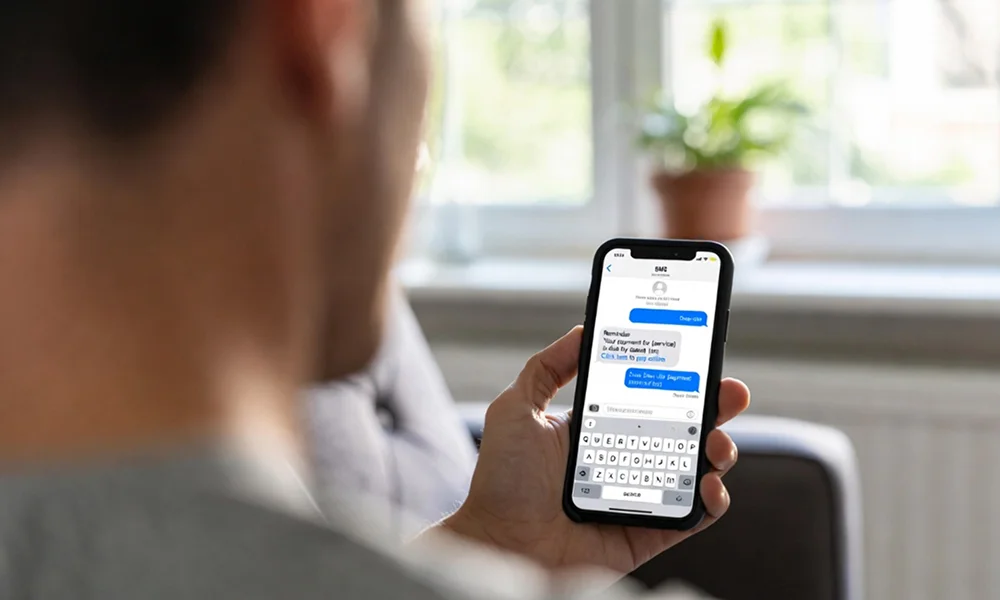
Automated reminders for invoices or insurance documentation improve collections without increasing staff workload.
5. Health Education Messages
Automated educational content can include lifestyle tips, disease management information, and wellness programs, helping patients make informed decisions.
How to Implement Patient Messaging Automation
Implementing automation in healthcare requires careful planning to ensure compliance, effectiveness, and patient satisfaction. Here’s a step-by-step guide:
Step 1: Choose the Right Platform
Not all messaging solutions are designed for healthcare. Look for:
- HIPAA-compliant platforms
- Multi-channel messaging options (SMS, email, app notifications)
- Two-way communication capabilities
- Reporting and analytics features
- Integration with Electronic Health Records (EHR)
Popular platforms include Solutionreach, Updox, OhMD, and Spruce, but the choice depends on your clinic’s needs and budget.
Step 2: Segment Your Patient Population
Segment patients based on:
- Age
- Appointment types
- Care plans
- Communication preferences
This ensures that messages are relevant, personalized, and timely.
Step 3: Define Message Types and Timing
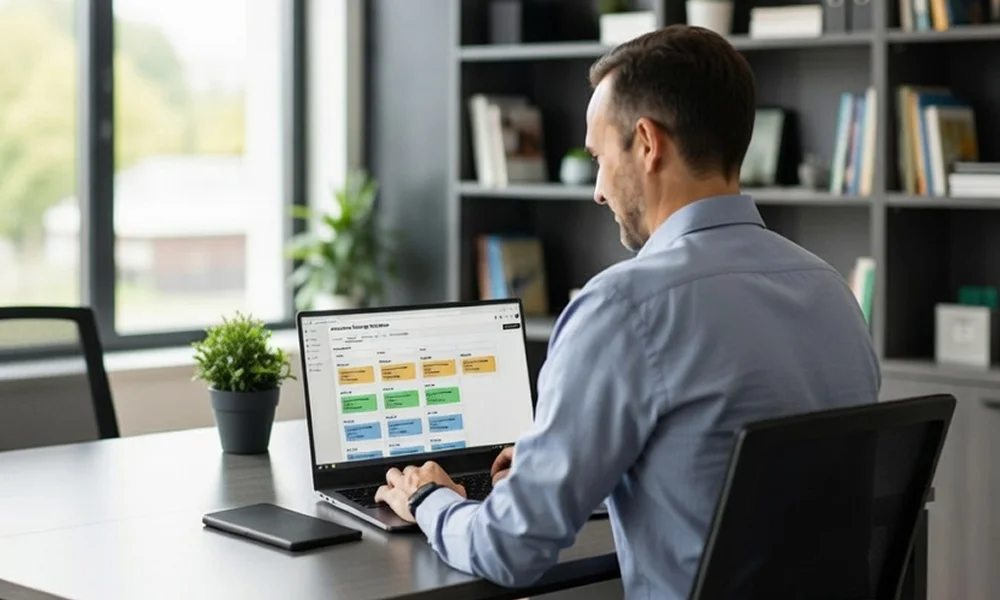
Determine which messages to automate, such as:
- Appointment reminders 24–48 hours before visits
- Follow-ups 1–3 days after appointments
- Preventive care reminders monthly or annually
- Medication reminders at prescribed times
Timing affects patient engagement, so plan carefully.
Step 4: Craft Personalized Messages
Use personalization to improve response rates. Include:
- Patient name
- Provider name
- Appointment details
- Actionable instructions (confirm, reschedule, or call)
Avoid generic messages that feel robotic or impersonal.
Step 5: Test and Optimize
Before full-scale implementation:
- Run pilot programs with select patients
- Track delivery rates, responses, and engagement
- Adjust messaging content and timing based on results
Step 6: Ensure Compliance and Security
- Encrypt messages and store them securely
- Avoid sharing sensitive information in unsecured channels
- Maintain audit trails for all communications
Best Practices for Patient Messaging Automation
To maximize the benefits of automation, follow these best practices:
- Maintain a Human Touch
Even automated messages should feel personal and empathetic. Include provider names and friendly language. - Respect Patient Preferences
Allow patients to choose their preferred communication channel and frequency. - Keep Messages Clear and Concise
Patients should immediately understand the purpose of the message and the action required. - Integrate with EHR Systems
Integration ensures messages are accurate, up-to-date, and aligned with patient records. - Use Two-Way Messaging
Allow patients to respond to messages, confirm appointments, ask questions, or request rescheduling. - Monitor Analytics
Track metrics like delivery rates, open rates, and responses. Continuously refine your strategy based on performance data.
Common Mistakes to Avoid
While automation is powerful, mistakes can reduce effectiveness or harm patient relationships:
- Over-messaging: Bombarding patients can lead to opt-outs.
- Generic Messaging: Impersonal messages reduce engagement.
- Ignoring Compliance: Sending PHI (Protected Health Information) through insecure channels is risky.
- Lack of Follow-Up: Automating reminders is only effective if patients receive timely responses to queries.
Real-World Examples of Patient Messaging Automation

Example 1: Appointment Reminders at a Multi-Specialty Clinic
A multi-specialty clinic serving 2,000 patients per month implemented automated SMS reminders 48 hours before appointments. Result:
- 40% reduction in no-shows
- Staff saved over 20 hours weekly on manual calls
- Patient satisfaction scores increased
Example 2: Post-Surgery Follow-Ups
A surgical center automated follow-up messages to patients 2 days after procedures, including pain management instructions and recovery tips. Result:
- Fewer emergency calls for minor concerns
- Better adherence to post-op care plans
- Improved overall outcomes
Example 3: Preventive Care Engagement
A pediatric clinic used automation to send vaccination reminders to parents. Result:
- Increased vaccination rates by 25%
- Reduced missed preventive care appointments
- Improved long-term patient engagement
The Future of Patient Messaging Automation
The future of healthcare communication will rely even more heavily on automation, AI, and integration with digital health tools:
- AI-Powered Messaging: Chatbots can answer patient queries instantly and triage non-urgent concerns.
- Predictive Messaging: AI can predict no-shows and proactively send reminders or follow-ups.
- Integration with Wearables: Automated messages can respond to patient health data from wearable devices, encouraging proactive care.
- Multilingual Support: Automation enables clinics to communicate effectively with diverse patient populations.
Conclusion
Automating patient messaging in healthcare is no longer optional, it’s essential for modern, patient-centered care. From appointment reminders to follow-ups, educational content, and preventive care alerts, automation streamlines communication, reduces administrative burden, and improves patient satisfaction.
By selecting the right platform, segmenting patients, crafting personalized messages, and monitoring results, healthcare organizations can reap significant benefits: improved engagement, reduced no-shows, better adherence to care plans, and enhanced outcomes.
Automation doesn’t replace the human touch, it amplifies it. When done correctly, it ensures that patients feel cared for, informed, and connected, while healthcare providers can focus on what they do best: delivering exceptional care.
Frequently Asked Questions
What does it mean to automate patient messaging in healthcare?
Automating patient messaging means using software to send timely, personalized communications to patients without manual staff intervention, including appointment reminders, follow-up instructions, medication alerts, billing notices, and health education. Messages are triggered automatically based on appointment data, care plans, or patient behavior.
How much can automated patient messaging reduce no-shows?
Studies consistently show that automated reminders reduce no-show rates by 30–50%. The most effective approach sends reminders via the patient’s preferred channel: SMS, email, or app notification, at 48 hours and again at 24 hours before the appointment.
Can patients respond to automated healthcare messages?
Yes, modern platforms support two-way messaging, allowing patients to confirm appointments, request rescheduling, ask questions, or acknowledge instructions directly through the message. This eliminates most routine phone calls and frees up front desk time significantly.
What types of patient messages can be automated?
Appointment reminders, post-visit follow-up instructions, medication adherence reminders, preventive care alerts, vaccination reminders, billing notifications, and health education content can all be fully automated. Each message type can be personalized and timed based on individual patient data.
Is automated patient messaging HIPAA compliant?
It can be, but only when using a platform specifically built for healthcare. The platform must use encrypted message delivery, secure data storage, audit trails, and a signed Business Associate Agreement (BAA). Standard SMS or email tools are not HIPAA-compliant for patient health information.
How do you get started with automating patient messaging?
Start by choosing a HIPAA-compliant messaging platform that integrates with your EHR, then segment your patient list, define which message types to automate first (appointment reminders deliver the fastest ROI), craft personalized message templates, and run a pilot before full rollout. Track open rates, confirmation rates, and no-show percentages to measure impact.
Ready to Automate Patient Messaging at Your Practice?
Book a call to see how MedLaunch helps healthcare practices automate reminders, follow-ups, and patient communication, reducing no-shows, freeing your front desk, and improving patient satisfaction.