

Key Takeaways
-
1Automation supports, not replaces nurses: Automation handles intake, documentation, and decision support, allowing nurses to focus on clinical care and patient trust.
-
2Map the current phone triage process: Identify bottlenecks and frustrations in the existing triage process to pinpoint areas for automation improvement.
-
3Automation serves different needs: Basic automation includes IVR, while advanced automation integrates AI for triage and decision support, improving efficiency before a nurse engages.
-
4Safety governance is critical: Set clear escalation rules for emergencies and ensure HIPAA compliance, periodic reviews, and secure handling of patient data.
-
5Avoid over-automation: Always provide a clear path to speak with a person, especially for clinical concerns, to maintain patient trust.
Phone triage is the process by which patients call a medical practice to assess the urgency of their symptoms, obtain guidance, or determine the next steps in care. Traditionally, phone triage relied entirely on nurses or staff answering calls, asking a series of questions, and manually recording information.
Today, clinics can automate phone triage using AI, virtual assistants, smart routing, and self-service tools to handle routine intake, gather patient information, and prioritize urgent calls.
Automation in phone triage is not just about efficiency or reducing costs. It is about creating a safer, faster, and more reassuring patient journey. Patients can get timely guidance, nurses can focus on clinical reasoning rather than repetitive data entry, and clinics can maintain high-quality patient access even during peak call volumes.
Automation enables a balance of technology and human judgment, improving both patient satisfaction and operational efficiency.
Table of Contents
Why Phone Triage Is Central to Patient Experience Today
The First Touchpoint for Symptoms and Concerns
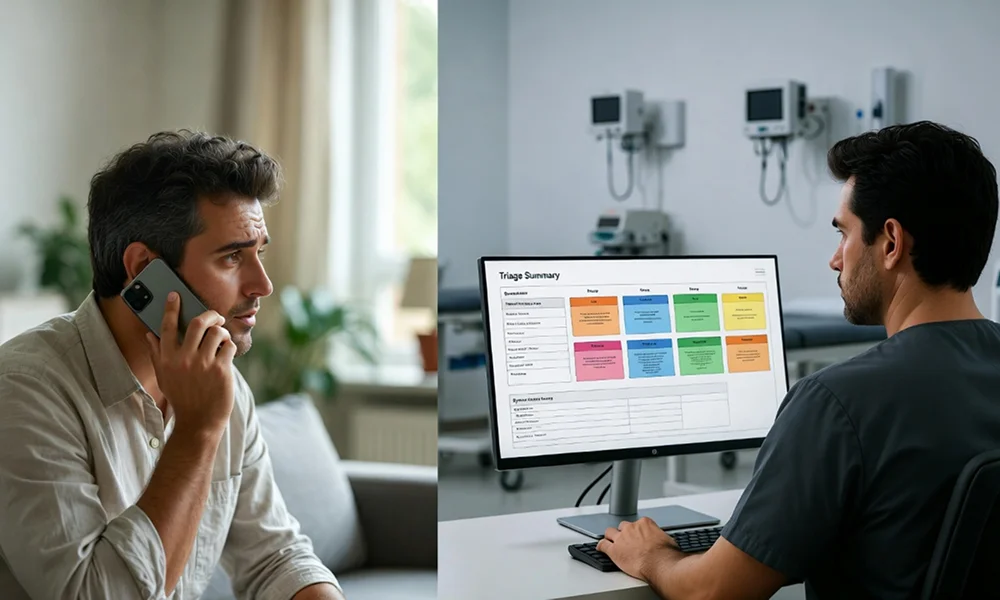
For many patients, the first step in their care journey is a phone call. Whether they are experiencing new symptoms, following up on test results, or seeking urgent advice, the phone triage call is often the moment when trust in the practice is established. The speed of response, clarity of communication, and empathy of staff during this first interaction shape the patient’s perception of the clinic as a whole.
Clinics that adopt automation in clinical phone triage can ensure that patients are routed efficiently, receive timely guidance, and feel their concerns are being heard. Faster and more accurate triage improves overall patient experience and strengthens confidence in the care team.
Common Pain Points in Traditional Phone Triage
Traditional phone triage faces many challenges. Patients may endure long wait times, multiple transfers, repeated questions, or rushed conversations. Calls may be missed entirely, leaving patients frustrated and anxious. Inconsistent advice or variability between staff can also lead to confusion, overuse of emergency services, or delayed care.
Automation can standardize intake, reduce unnecessary transfers, and ensure consistency in clinical guidance. This alleviates patient anxiety and helps practices maintain safer care pathways while improving access.
What Does It Mean to “Automate” Phone Triage?
Levels of Automation in Phone Triage
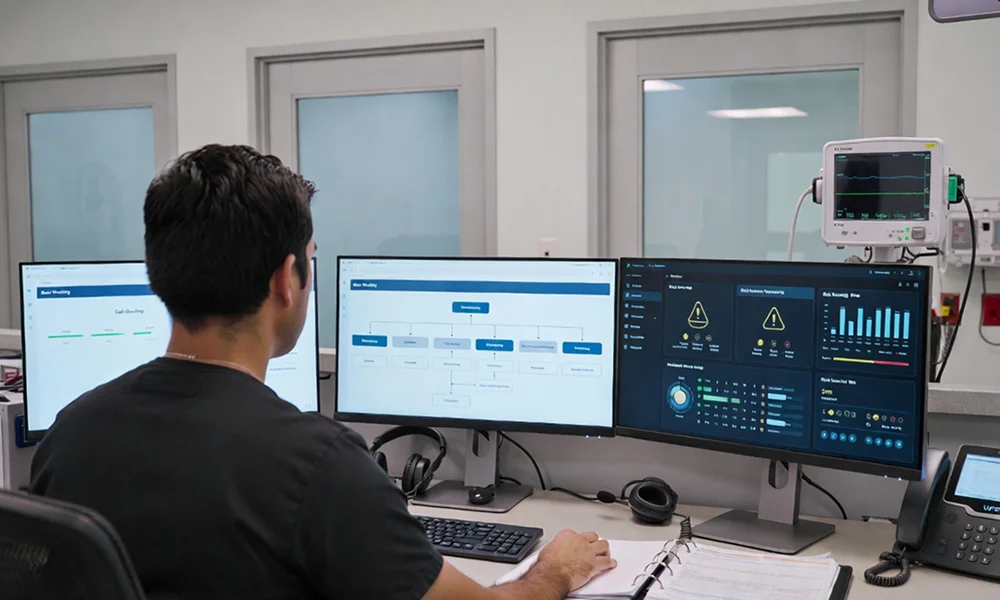
Automation in phone triage occurs at several levels. Basic automation includes interactive voice response (IVR) menus, recorded messages, and simple call routing. Intermediate automation uses rules-based triage scripts and symptom trees to guide callers toward appropriate resources. Advanced automation integrates AI-powered virtual triage and decision support tools directly into nurse workflows.
With automated triage, patients can answer structured questions, receive initial guidance, and be routed efficiently, all before a nurse engages directly. The result is faster access for high-acuity patients and reduced administrative burden for staff.
Human + Automation, Not Human vs Automation
Effective phone triage automation does not replace nurses—it supplements them. In the “nurse co-pilot” model, automation handles intake, documentation, and structured decision support, while clinicians retain ultimate judgment. This approach ensures safety, maintains patient trust, and increases staff efficiency. Automation streamlines repetitive tasks, allowing nurses to focus on meaningful clinical interactions and reassurance.
How Automated Phone Triage Improves Patient Experience
Faster Access and Shorter Waits
By automating routine triage questions and integrating smart routing, practices can reduce wait times. Patients can get timely guidance without sitting on hold for extended periods, while high-acuity calls are flagged and prioritized. This reduces frustration, avoids unnecessary emergency visits, and ensures patients receive care at the appropriate level.
More Accurate, Consistent Guidance
Structured triage scripts and AI-assisted assessments provide reliable guidance across all calls. Variability between staff members is minimized, ensuring patients receive consistent advice regarding self-care, in-person visits, or urgent escalation. Automated triage improves safety and helps patients understand next steps clearly.
Smoother, Less Repetitive Conversations
Automated intake captures demographics, symptoms, and risk factors upfront, providing nurses and physicians with a concise summary. Patients no longer need to repeat themselves, and staff can focus on clinical evaluation rather than manual data entry. This smoother interaction reduces frustration and improves the perceived quality of care.
Better Continuity and Follow-Through
Integration with EHR systems ensures that triage information is documented accurately and communicated to follow-up teams. Automated triage tools send summaries to relevant clinicians, helping maintain continuity of care. Patients see that their concerns are taken seriously, enhancing trust and engagement.
Step-by-Step Framework to Automate Phone Triage
Step 1 – Map Your Current Phone Triage Journey
Document the “As-Is” Call Flow
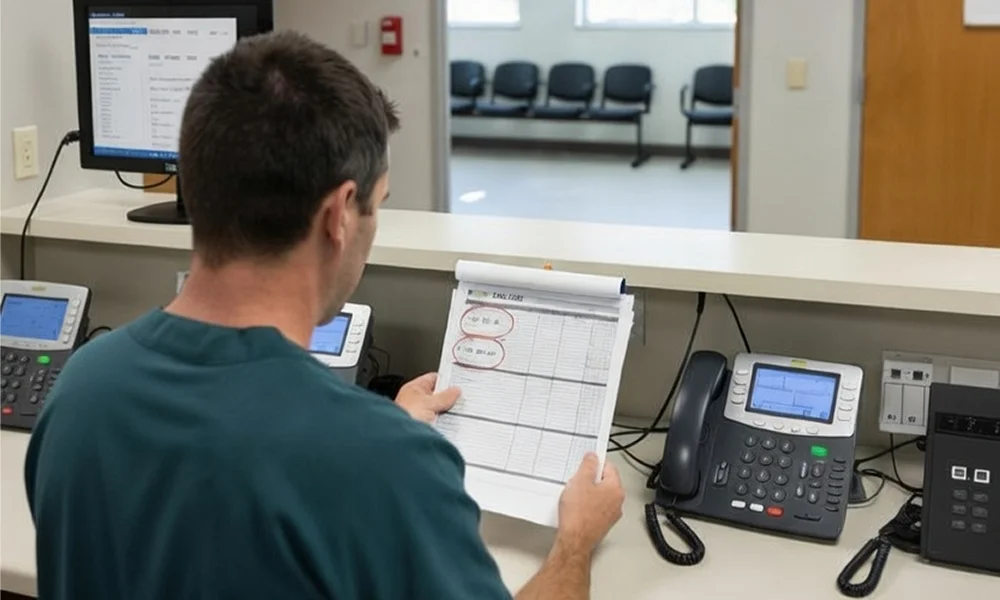
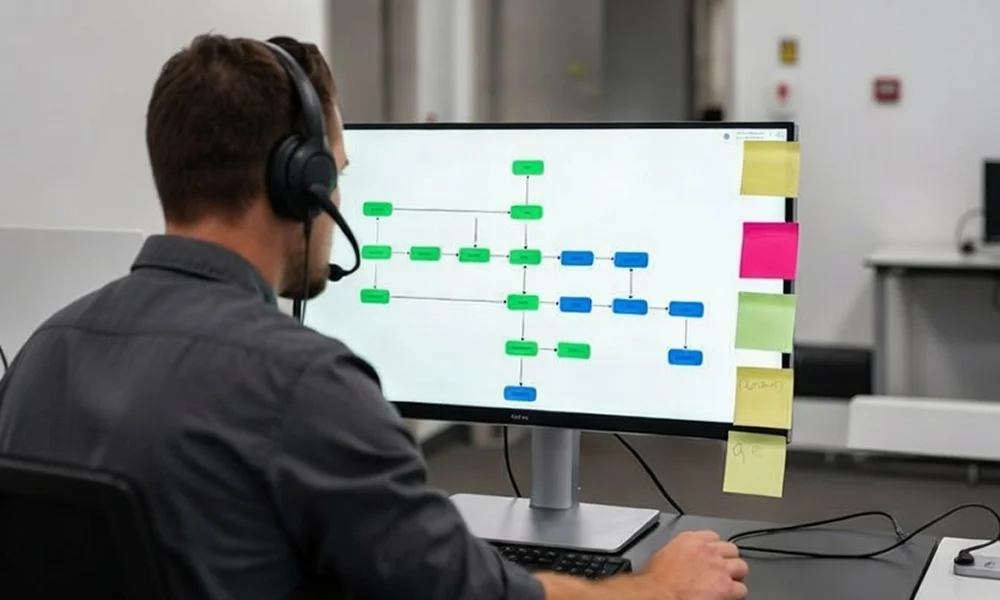
Start by mapping the current process: from dialing the main number, navigating menus, waiting on hold, speaking with staff, triage assessment, and final disposition. Identify where patients experience long waits, repetition, or unnecessary transfers.
Identify Experience Breakpoints
Look for patterns such as peak-hour congestion, after-hours gaps, or unclear messaging. Document where patient frustration is highest to target improvements when implementing virtual triage solutions.
Step 2 – Define Your Patient Experience Goals for Triage
Patient-Centric CX Metrics
Set metrics focused on the patient experience: time to first answer, time to triage decision, call abandonment rate, and post-call satisfaction. Clinical proxies include appropriate levels of care, reduced unnecessary ED visits, and safe self-care adoption.
Set Clear Targets
Define objectives such as answering a high percentage of calls within a target time, reducing repeat calls for the same issue, and increasing patients who feel confident about next steps. These targets guide the design and implementation of automation.
Step 3 – Choose the Right Automation Building Blocks
Smart Call Routing and IVR Designed for Patients
Implement intent-based routing that directs calls by reason (e.g., symptoms, medication, results) rather than department. Keep options simple and provide easy access to a human for urgent or complex concerns.
Virtual Triage and Symptom Assessment
Use AI-driven or advanced rules-based tools to gather symptom details, timelines, and risk factors before nurse review. The system should handle multiple symptoms, comorbidities, and complex risk profiles, ensuring efficient intake.
Integration with Nurse Triage and EHR
Automated summaries should be sent to nurses along with suggested dispositions and risk flags. Integration with EHR allows documentation of triage notes and follow-up tasks without manual data entry, improving efficiency and reducing errors.
Step 4 – Design Automated Flows That Put Patients at Ease
Script and UX Principles for Automated Greetings
Start with a warm, clear greeting explaining the process and expected duration. Reassure patients about confidentiality and clarify when a nurse or clinician will be involved.
Question Design for Virtual Triage
Questions should be concise, easy to understand, and free of medical jargon. Use dynamic flows that adapt based on patient responses to ensure relevant guidance without overwhelming the caller.
Communicating Decisions and Next Steps
Provide clear recommendations for self-care, clinic visits, or urgent care. Offer to send instructions via SMS or email and assist with appointment booking, ensuring patients feel supported and confident in their next steps.
Step 5 – Keep Nurses in Control and Reduce Their Burden
Nurses as Supervisors and Co-Pilots
Automation handles intake and documentation, while nurses focus on clinical reasoning, validation, and reassurance. Nurses retain authority to override automated recommendations.
Reducing Cognitive and Administrative Load
Pre-populated notes, structured symptom lists, and real-time decision support help nurses work efficiently and reduce errors.
Impact on Burnout and Staff Retention
Automation reduces repetitive tasks, lowers stress from high call volumes, and allows nurses to engage in meaningful clinical work, which improves retention and job satisfaction.
Step 6 – Handle Safety, Governance, and Clinical Quality
Clinical Safety Rules and Escalation Paths
Implement hard rules for emergencies and red-flag symptoms. Define clear escalation to on-call physicians or in-person care.
Evidence Base and Updating Content
Use evidence-based protocols and update clinical decision support tools regularly. A governance committee should review automation rules and AI behavior periodically.
Compliance, Privacy, and Consent
Ensure HIPAA-compliant handling of patient information, secure storage of triage data, and obtain patient consent for automated or AI-assisted tools.
Step 7 – Implementation Roadmap to Automate Phone Triage
Phase 1 – Pilot on a Narrow Scope
Start with one line, such as the nurse advice line, or one patient cohort. Define success metrics and backup procedures during the pilot.
Phase 2 – Integrate and Expand
Gradually add other call types like results inquiries, medication questions, and general symptom calls. Extend triage options to portals, chatbots, and apps for an omnichannel experience.
Phase 3 – Optimize Based on Data
Analyze triage times, dispositions, patient feedback, and nurse input. Adjust scripts, routing, and escalation rules over time to refine the triage process.
Examples of Automated Phone Triage Improving Experience
Nurse Triage Call Center Enhanced with Virtual Triage
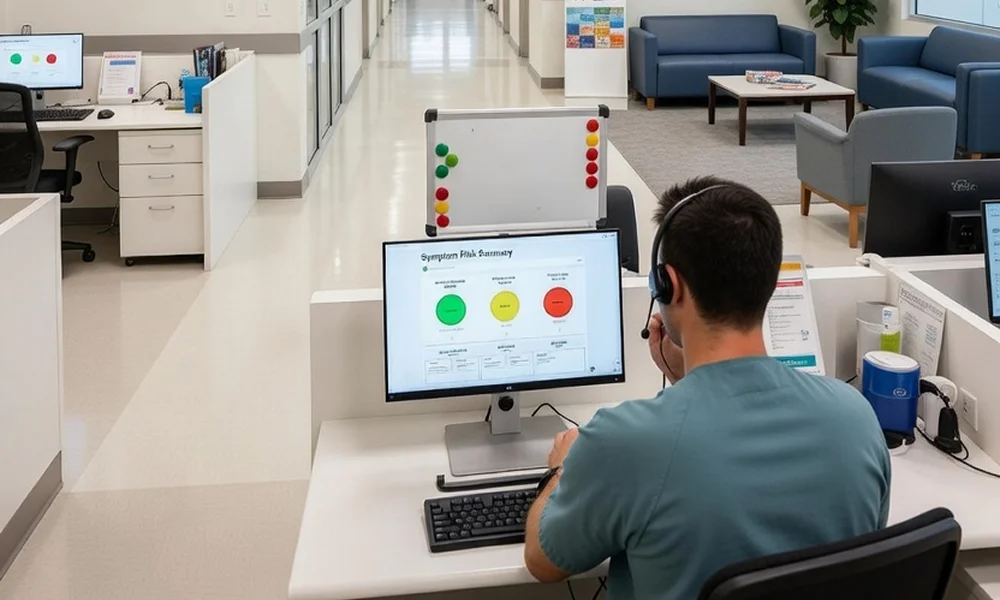
A nurse call center implemented AI-assisted triage to pre-collect patient symptoms and risk factors. Results included shorter triage times, increased self-care guidance, fewer unnecessary ED visits, and higher patient satisfaction.
Clinic or Health System Example
A multi-site clinic integrated AI-driven phone triage across all locations. Peak call volumes were handled efficiently, wait times decreased, and patient access improved. Nurses spent less time on routine data collection and more time providing clinical guidance.
How to Measure the Impact of Phone Triage
To measure the impact of phone triage, focus on a small, clear set of metrics that show experience, safety, access, and efficiency.
1. Patient-Reported Experience Metrics
- Overall satisfaction after the call
- Feeling heard and respected
- Clarity of information and next steps
- Confidence in the triage recommendation
- Likelihood to recommend the triage service (NPS-style question)
2. Access and Service Level Metrics
- Time to first answer (average and 90th percentile)
- Call abandonment rate
- Percentage of calls answered within X seconds
- After-hours answer/response times
- Percentage of calls resolved on first contact (no callbacks needed)
3. Clinical and Disposition Metrics
- Time to triage decision (from call start to disposition)
- Accuracy/appropriateness of triage level (e.g., self-care vs visit vs ED)
- ED diversion: non-urgent visits avoided via safe triage
- Proportion of callers safely managed with self-care or virtual care
- Follow-up visit rates when an in-person visit was recommended
4. Compliance and Follow-Through Metrics
- Patient compliance with triage advice (did they follow the recommended level of care?)
- Repeat calls about the same issue within 24–72 hours
- “Did what we recommended solve your problem?” (short follow-up question)
5. Operational Efficiency Metrics
- Average triage handle time (without rushing empathy)
- Nurse/triage staff utilization (too low vs overburdened)
- Call volume by hour and day vs staffing levels
- Percentage of calls handled with automation/virtual triage vs live only
6. Safety and Quality Metrics
- Under-triage and over-triage rates (issues that should have been escalated vs sent too high)
- Adverse events linked to triage decisions (e.g., ED visits soon after a “self-care” recommendation)
- Escalation rates to on-call physician or urgent review
For reporting, group these into a simple dashboard: one or two metrics per dimension (experience, access, safety, efficiency), track monthly trends, and tie improvements back to specific triage or automation changes you’ve made.
Common Pitfalls When Automating Phone Triage
Common pitfalls in automating phone triage rarely come from the technology alone; they come from how it’s designed, implemented, and governed.
Over-Automation Without Human Escape Hatches
One of the fastest ways to destroy trust is to trap patients in endless menus or a bot that never connects them to a real person. Patients with urgent symptoms or complex questions quickly become frustrated and hang up.
- Prioritize high‑risk intents (chest pain, breathing difficulty, worsening symptoms) for immediate human escalation.
- Always give a clear “talk to a person now” option, especially for clinical concerns.
- Make the escape path available early in the flow, not after multiple menus.
Ignoring Vulnerable or Low-Digital-Literacy Patients
Not every patient is comfortable with apps, websites, or long automated question sets. Some have hearing, language, or cognitive barriers that make self-service hard.
- Limit the length of automated interactions and confirm understanding as you go.
- Keep phone flows usable for patients with no portal or app access.
- Offer simple language, multilingual options, and TTY/relay support where possible.
Treating phone triage as a tech project, not a clinical service
When automation is driven only by IT or operations, it risks misalignment with clinical judgment and patient needs. This shows up as awkward scripts, unsafe recommendations, or workflows that nurses don’t trust.
- Involve nurses, physicians, and patient representatives in designing scripts and flows.
- Pilot with small cohorts and incorporate frontline feedback before scaling.
- Make training and change management part of the rollout so staff understand how automation supports, not replaces, their clinical role.
Failing to monitor safety and performance
Even good designs can drift over time if no one is watching key outcomes. Without monitoring, small issues can turn into patterns of under-triage, long waits, or rising complaints.
- Track core metrics like abandonment, time to triage decision, escalation rates, and patient feedback.
- Review difficult cases and near-misses in regular clinical governance meetings.
- Update scripts and decision rules as guidelines, population needs, and practice patterns change.
When automation is built with safety nets, inclusivity, and clinical ownership in mind, it can relieve pressure on staff while making phone access faster and more reliable for patients.
Conclusion
Automating phone triage improves patient experience through faster access, clearer guidance, and more reassuring interactions. Automation should function as a co-pilot for nurses and front-desk staff, allowing staff to focus on clinical judgment while repetitive tasks are handled efficiently. Clinics can start by mapping their current triage flows and exploring solutions like MedLaunch to safely implement phone triage automation in stages.
FAQs
What does it mean to automate phone triage?
It means using AI, virtual assistants, and smart routing to collect patient info, assess symptoms, and prioritize calls before a nurse engages.
Will automated phone triage replace nurses?
No. Automation supports nurses by handling intake and documentation while nurses focus on clinical judgment.
Is automated phone triage safe for patients with serious symptoms?
Yes. Safety rules, escalation protocols, and nurse oversight ensure high-acuity cases are handled promptly.
How does automated phone triage improve patient experience?
It reduces wait times, provides consistent guidance, minimizes repetition, and ensures patients receive clear next steps.
What kind of technology is used to automate phone triage?
AI virtual assistants, smart IVR systems, symptom assessment tools, and EHR-integrated triage platforms are commonly used.