

In today’s fast-moving healthcare environment, missed calls, overworked staff, and frustrated patients are all too common. Patients often experience long holds or are sent straight to voicemail, which can impact satisfaction and retention.
For busy medical offices, manually handling every incoming call has become increasingly difficult. This is where automating front desk calls in healthcare can make a transformative difference.
By moving from traditional phone trees to an AI-powered medical receptionist, clinics can streamline communication, improve patient experiences, and free staff to focus on higher-value tasks.
Automated call handling for medical offices is no longer just a futuristic concept. Modern healthcare front desk phone automation enables your practice to manage routine calls efficiently, while also allowing complex or sensitive inquiries to be handled by human staff.
From scheduling appointments to answering frequently asked questions, AI front desk call automation in healthcare ensures patients get timely support, while your team avoids burnout.
This guide walks through every step to automate front desk calls in healthcare, from auditing your current phone setup to launching a fully functional AI receptionist.
Table of Contents
What is an Automated Front Desk Calls in Healthcare?
Automated front desk answering is more than just a digital switchboard. It’s a combination of phone routing, AI call handling, and seamless integration with your scheduling and clinical systems.
In practice, this means an AI medical receptionist can handle routine administrative tasks like booking, rescheduling, sending reminders, providing directions, or responding to common questions, while human staff are reserved for more nuanced conversations requiring clinical judgment or emotional intelligence.
With healthcare front desk call automation, your patients no longer navigate frustrating menu trees. Instead, they speak naturally, and the system interprets their intent, executing appropriate actions or escalating when necessary.
The result is faster service, fewer missed calls, and a smoother patient experience—all while protecting sensitive health information.
How Automated Front Desk Answering Works
Modern AI medical receptionists leverage advanced technologies to deliver healthcare front desk phone automation that feels natural and intuitive. At the core of the system is the ability to understand natural language.
When a patient calls, the AI detects intent—whether it’s booking an appointment, requesting a refill, asking about office hours, or seeking directions.
Once identified, the system can take appropriate action, such as creating or modifying an appointment, sending confirmation messages, or providing an FAQ response.
Complex or sensitive topics are immediately routed to a human staff member, ensuring both efficiency and safety.
The main components of AI front desk call automation in healthcare include:
- Phone System Integration: Connects the AI receptionist to your existing PBX, VoIP, or clinic phone lines.
- AI Engine: Uses speech recognition and natural language understanding (NLU) to interpret patient requests accurately.
- Workflow Integration: Syncs with electronic health records (EHR), practice management, and messaging systems to execute actions in real time.
Compared to traditional “press-1, press-2” IVR systems, AI medical receptionists offer a far superior patient experience, handling complex scenarios without requiring multiple menu layers or repeated transfers.
How to Implement Front Desk Automation in Healthcare

Implementing automated call handling for medical offices may seem daunting at first, but following a structured approach ensures success. Below is a detailed, step-by-step roadmap for healthcare front desk call automation.
Step 1 – Audit Your Current Phone Experience
Before implementing any automation, you need to understand your current phone operations. Map who answers calls, when, and using which tools—whether it’s PBX, VoIP, answering services, or personal cell phones. Gather basic metrics like total calls, missed or abandoned calls, peak times, and top call reasons.
Identifying bottlenecks is crucial. Common pain points include after-hours gaps, heavy nurse line traffic, repetitive refill requests, and delayed new patient intake.
Documenting these challenges will guide your automation strategy, ensuring AI handles the most time-consuming tasks while humans address high-priority calls.
Step 2 – Decide What to Automate vs Keep Human
Not all calls are suitable for AI automation. Separate tasks into two categories:
- Ideal for Automation: Routine, structured, low-emotion tasks. Examples include appointment scheduling, rescheduling, providing office directions, insurance inquiries, basic pre-visit instructions, and non-urgent refill requests.
- Must Stay Human: Calls requiring clinical judgment, emotional support, or complex problem-solving, such as symptom triage, lab result explanations, patient complaints, intricate billing issues, and nuanced care coordination.
By clearly defining these boundaries, your healthcare front desk call automation system can maximize efficiency without sacrificing patient trust.
Step 3 – Choose Your Automation Approach and Platform
1. Options Overview
Healthcare front desk call automation can range from simple IVR phone trees to sophisticated AI medical receptionists.
While traditional IVR systems force patients to navigate menus, AI receptionists understand natural language, follow clinic-specific workflows, and perform tasks directly within your existing systems.
2. Healthcare-Specific Must-Haves
When evaluating a solution, ensure it offers:
- Natural language processing tuned for patient phrases and healthcare-specific intents.
- Integration with scheduling/EHR or practice management systems for seamless appointment management.
- Rules for urgent versus routine calls, new versus existing patients, and multiple locations/providers.
- HIPAA-ready compliance, encryption, BAAs, and audit logs for security.
3. Vendor Evaluation Checklist
Ask potential vendors:
- Which EHR/PM systems do you integrate with today?
- How is PHI and security managed? Are BAAs in place?
- Can you provide healthcare-specific reference clients or case studies?
- What onboarding, configuration, and training support do you provide?
- What analytics and reporting features are available (call outcomes, intent breakdown, CSAT).
Step 4 – Design Your Call Flows for Patients
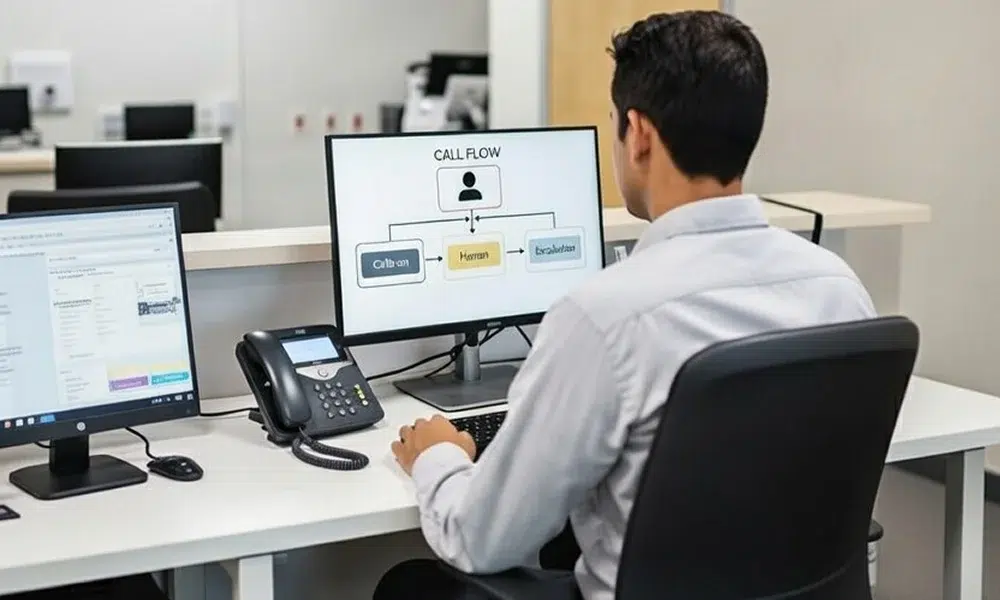
Using the insights from your phone audit, map out call flows for the most frequent patient needs: new appointments, rescheduling, refills, nurse line inquiries, and billing questions. For each flow, define:
- Patient expressions: What the patient can say, e.g., “I want to see Dr. Smith next Thursday.”
- Required data collection: Name, DOB, clinic location, and reason for visit.
- Human escalation points: Keywords, repeated misunderstandings, or high-risk topics.
Keep call flows short and intuitive. Avoid deep menu trees or confusing sequences, ensuring patients can quickly accomplish their goals.
Step 5 – Connect the System to Your Phones and Scheduling
Redirect your clinic’s phone lines—main, after-hours, and specialty lines—to the AI receptionist platform. Integrate calendars and scheduling systems so the AI can safely book, move, or cancel appointments.
Establish routing rules by clinic, provider, language, and call type, ensuring the system reflects your workflow.
Step 6 – Write Patient-Friendly Scripts and Prompts
Draft clear, conversational scripts for the AI receptionist. Include:
- Who is speaking (your AI assistant).
- What it can help with.
- How to reach a human quickly if needed.
Use plain language and, where appropriate, multilingual variants. For example:
“Hi! I’m your virtual clinic assistant. You can say ‘book an appointment,’ ‘reschedule,’ or ‘check my appointment details.’ If you need to speak with someone, just say ‘talk to a person.’”
Patient-friendly prompts enhance satisfaction and reduce call friction.
Step 7 – Configure the AI Logic to Automate Front Desk Calls
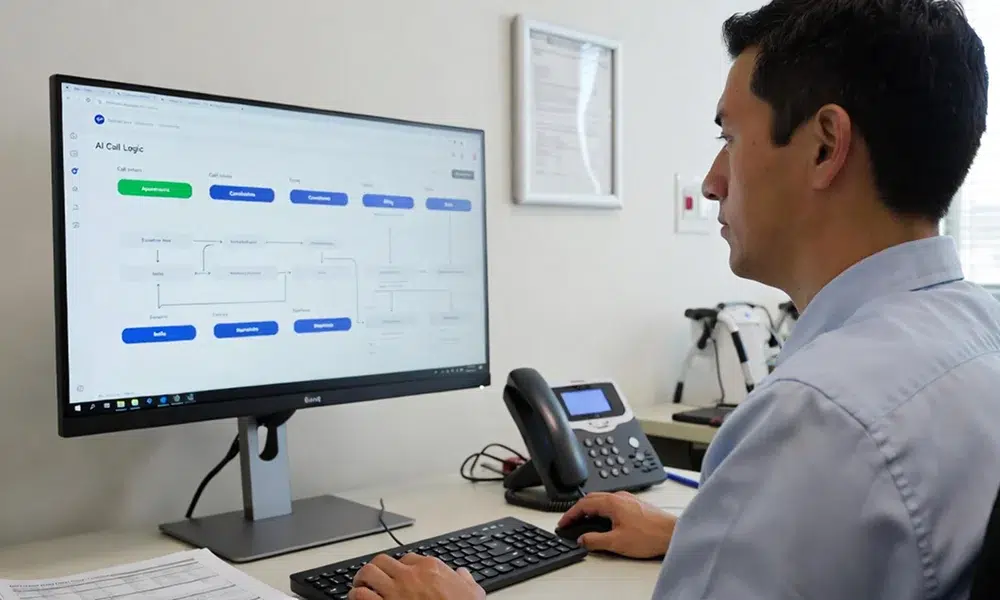
Set up intents for each call type, such as booking, cancellations, confirmations, directions, billing questions, or refill requests. Load your clinic-specific FAQs, policies, pre-op instructions, parking information, telehealth links, and paperwork requirements. Define escalation triggers for urgent scenarios:
- Keywords indicating emergencies (e.g., “chest pain”).
- Repeated misunderstandings or incomplete responses.
- Explicit requests to speak with a human.
Well-trained AI ensures calls are handled accurately and safely.
Step 8 – Test Internally Before Patients Use It
Before going live, run internal tests with staff acting as different patient personas: new patients, parents, older adults, or non-native speakers. Test edge cases like incomplete information, noisy environments, unclear requests, and incorrect call routing. Identify and fix any issues, including misrouted calls, confusing prompts, or system dead ends.
Step 9 – Roll Out Gradually and Inform Patients
Start small to reduce risk:
- Limit to after-hours calls.
- Apply to one location initially.
- Handle only select call types (e.g., scheduling and directions).
Notify patients via website banners, emails, SMS, and in-clinic signage. Emphasize benefits: fewer missed calls, faster answers, 24/7 availability, and the ability to reach a human when needed.
Step 10 – Measure Results and Improve Over Time

Track key metrics to gauge success:
- Missed or abandoned calls before and after implementation.
- Percentage of calls fully handled by AI.
- Appointments booked or rescheduled by the AI receptionist.
- Staff time saved and reduction in call-related complaints.
- Post-call satisfaction surveys (CSAT).
Regularly review transcripts to identify recurring pain points. Update scripts, call flows, and escalation rules as services, locations, and patient needs evolve. Continuous improvement ensures your AI medical receptionist remains efficient and patient-centric.
Common Pitfalls to Avoid
Even the best technology can fail without careful planning. Avoid these mistakes:
- Over-automating sensitive or clinical calls, which may erode patient trust.
- Launching without sufficient internal testing.
- Ignoring staff feedback, leading to workarounds or frustration.
Prioritizing thoughtful implementation ensures your healthcare front desk phone automation succeeds.
Conclusion
Automating front desk calls in healthcare is no longer optional, it’s a strategic necessity for modern medical offices. By following this step-by-step guide, clinics can move from chaotic phone systems to a reliable, patient-friendly, partially automated front desk.
AI medical receptionists improve call handling, free up staff, and enhance the patient experience, all while maintaining compliance and safety.
Implementing healthcare front desk call automation with a trusted virtual receptionist solution can turn your phone lines into an efficient, patient-centered communication hub. Start today, and transform how your clinic connects with patients, one call at a time.
FAQs
Which front desk tasks are safest to automate first?
Routine, low-risk tasks like appointment scheduling, rescheduling, office hours, directions, insurance accepted, and non-urgent refill requests are safest to automate first.
Will automating calls replace my front desk staff?
No. Call automation supports your staff by handling repetitive calls so they can focus on complex, clinical, and patient-care conversations.
Is call automation HIPAA-compliant and secure?
Yes, when using a healthcare-grade platform with encryption, access controls, audit logs, and a signed Business Associate Agreement (BAA).
How do we make sure patients can still reach a real person?
Patients can be routed to staff at any time through clear prompts, keyword triggers, or automatic escalation for complex or sensitive requests.
How do we know if our automation is actually working?
Track missed calls, call resolution rates, appointments booked by automation, staff time saved, and patient satisfaction scores.